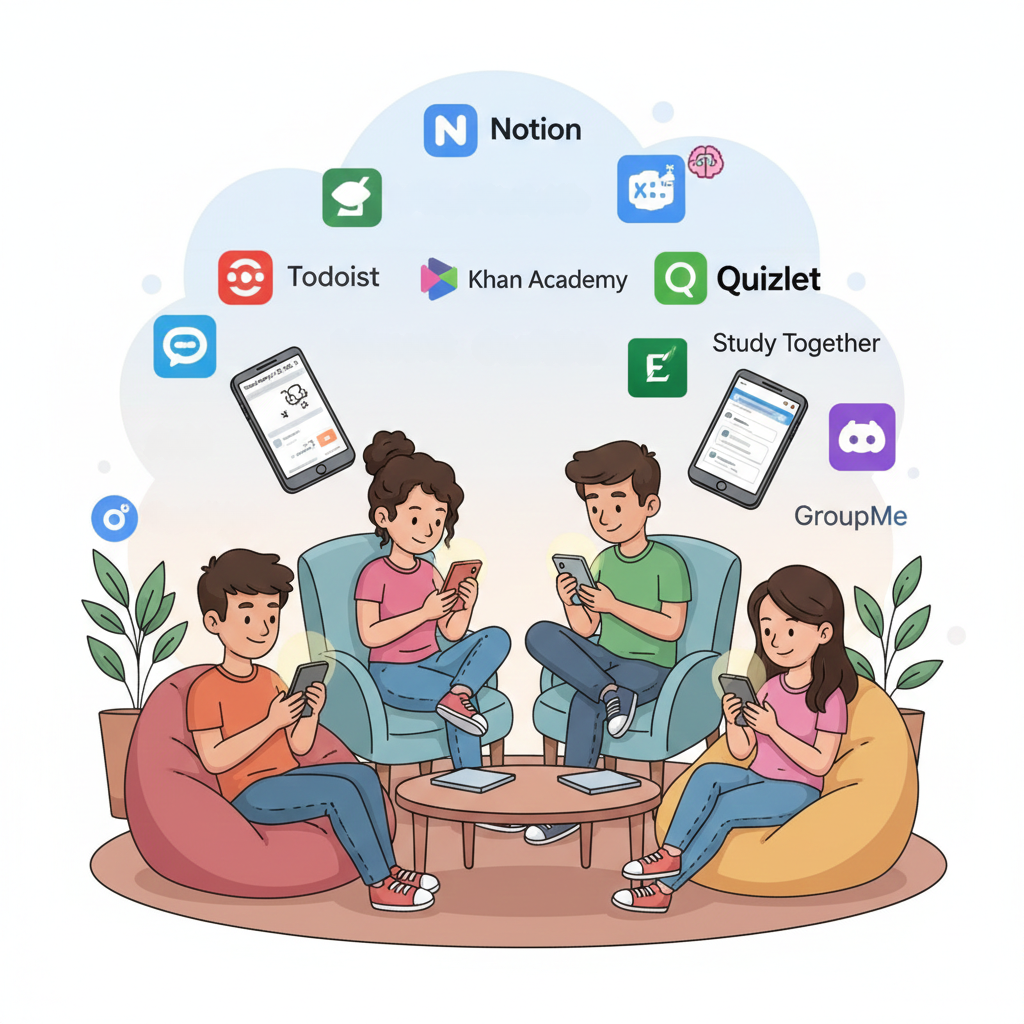
Student apps have become essential tools for managing coursework, retaining information, and preparing for your career. The right combination can transform how you handle academics while positioning you for professional success after graduation.
This guide breaks down the most effective apps for organization, studying, collaboration, and career preparation. You'll find practical recommendations based on what actually works for college students entering today's job market.
Organization Apps That Keep You on Track
Staying organized in college means juggling classes, assignments, deadlines, and career activities like internships and networking events. These apps handle that complexity.
Notion stands out as the most versatile option. It combines notes, databases, task lists, and calendars in one customizable system. You can build assignment trackers, reading logs, and project dashboards tailored to your needs. Many students also use Notion to track job applications, store interview notes, and organize career research. The learning curve takes two to three weeks, but students report significant time savings once they get comfortable with it.
Google Calendar remains the standard for scheduling. Color-code your classes, set reminders for deadlines, and manage academic commitments across devices. It also works well for blocking time for career fairs, informational interviews, and application deadlines. Simple, reliable, free.
Todoist excels at task management. Create to-do lists, set priorities, and organize tasks into projects. The interface is clean and works across all your devices. If Notion feels like overkill, Todoist handles assignments, research tasks, and job search activities without the complexity.
My Study Life was built specifically for students. Input your class schedule, assignments, exams, and tasks in one place. The app sends reminders about incomplete work, upcoming classes, and exam dates. It tracks your progress by percentage, so you always know where you stand.
Study Apps That Improve Learning and Retention
Memorization and comprehension require different tools. The skills you build here transfer directly to professional certifications and workplace training.
Anki is the gold standard for long-term retention. This free, open-source flashcard program uses spaced repetition to schedule reviews based on how well you know each card. Material you struggle with appears more often. Cards you've mastered show up less frequently. The system handles decks of over 100,000 cards without slowing down.
Research from Washington University School of Medicine found that medical students using Anki scored higher on licensing exams than those who didn't. One study showed a one-point increase on USMLE Step 1 scores for every 1,700 unique cards studied. Beyond academics, professionals use Anki for certifications in fields like finance, law, and technology.
Quizlet offers a more user-friendly experience with games and quizzes built around your flashcards. Millions of pre-made sets cover common subjects, so you don't always need to create your own. It works well for vocabulary, terminology, and concept review.
Which study app is most effective? Anki wins for courses requiring deep memorization over months or years. Quizlet works better for quick review before exams. Many students use both.
The Leading Education Platform
Khan Academy consistently ranks as the most impactful free educational resource available. This nonprofit platform serves over 180 million registered users with content covering math, science, humanities, economics, and test prep.
Khan Academy's own efficacy research shows that students spending thirty minutes per week on the platform achieve approximately 20% higher learning gains compared to expected growth. The study included 350,000 students in grades three through eight. Khan Academy ranks as the second most-used educational app among U.S. children and teens, with users averaging fourteen minutes per day.
The platform also offers courses in personal finance, entrepreneurship, and career skills that complement your degree program.
Apps for Studying Together
Studying with others improves retention and keeps you accountable. These platforms also help you build collaboration skills valued by employers.
StudyStream offers virtual study rooms where students worldwide join live focus sessions. You see others working on camera, which creates accountability. Gamification features track your study hours and reward consistency.
Discord has become the go-to platform for study groups and class communities. Students create servers organized by major, class, or interest. Text and voice channels let you discuss topics, share notes, and coordinate homework groups. Many professional communities also operate on Discord, making it useful for networking in tech, design, and creative fields.
Focusmate pairs you with a virtual study partner for live co-working sessions. Sessions run 25, 50, or 75 minutes with structured breaks. The mutual accountability helps procrastinators stay on task. Many users continue with Focusmate after graduation for remote work productivity.
Communication Apps for Campus and Professional Life
Staying connected with classmates and campus organizations requires the right messaging tools. These same platforms prepare you for workplace communication.
GroupMe dominates college group messaging. Students use it for class chats, club coordination, and exam prep discussions. Unlike text message groups, GroupMe keeps conversations organized and lets you mute notifications when needed.
Slack transforms chaotic threads into organized channels. It works well for serious study groups meeting regularly throughout the semester. Graduate students managing multiple research collaborations find it indispensable. Learning Slack now pays off immediately since most tech companies and startups use it for internal communication.
Discord serves double duty as both a study platform and social space. Students create servers for majors, clubs, and dorm communities. Discord's Student Hubs feature helps you find servers specific to your school.
Campus-Specific Apps
Most universities now offer branded mobile apps that centralize campus services. These apps typically include class schedules, grades, campus maps, event calendars, and career center resources.
Platforms like campusM and Modo Campus power many of these university apps. They integrate with your school's existing systems to pull grades, financial aid information, and course registration into one place.
Students want their campus app to function as a centralized hub for everything university-related. Many campus apps now include career fair schedules, employer information sessions, and on-campus interview sign-ups.
Career Preparation Tools
The transition from student to professional requires dedicated tools. Start using these well before senior year.
Building Your Professional Network
LinkedIn is non-negotiable for career preparation. The U.S. Bureau of Labor Statistics reports that networking accounts for a significant portion of job placements, and LinkedIn serves as the primary platform for professional connections. Create your profile during freshman or sophomore year. Add a professional photo, write a clear headline, and describe your experiences using action verbs. Connect with classmates, professors, alumni, and professionals in your target field. Follow companies you're interested in and engage with industry content. Many recruiters search LinkedIn before posting jobs publicly.
Handshake connects students directly with employers recruiting from their campus. Over 1,400 universities partner with Handshake to post internships and entry-level positions. The platform filters opportunities based on your major, interests, and location preferences. Employers specifically seeking new graduates post here, making it more targeted than general job boards.
Creating Professional Materials
Canva helps you create professional presentations, resumes, and portfolios without design experience. Templates make it simple to produce polished materials for job applications and class projects. Many students use Canva to build visual portfolios that complement traditional resumes, particularly in marketing, communications, and creative fields.
Grammarly improves the quality of your writing across all platforms. It catches grammar errors, suggests style improvements, and helps you write clearer emails. Strong written communication matters for cover letters, work emails, and professional correspondence. The free version handles most needs.
Managing Research and Citations
Zotero automates citation management for research papers and dissertations. This free, open-source tool saves hours on bibliography formatting. Students writing papers with thirty or more sources report significant time savings. The research skills you develop with Zotero transfer to workplace report writing and professional publications.
Tracking Your Job Search
Huntr organizes your entire job search in one place. Track applications, save job postings, store company research, and manage interview schedules. The visual pipeline shows where each application stands. Staying organized during a job search prevents missed deadlines and follow-up opportunities.
Notion also works well for job search tracking. Create databases to log applications, store interview questions you've encountered, and track networking contacts. Many students build job search dashboards alongside their academic trackers.
Building Your App Toolkit
You don't need dozens of apps. A focused toolkit covers your bases without creating digital clutter.
For organization, start with Google Calendar for scheduling. Add Notion if you want an all-in-one workspace, or Todoist if you prefer straightforward task management. Pick one, learn it well, and stick with it.
For studying, use Anki for courses requiring memorization. Quizlet supplements nicely for quick review. Khan Academy fills gaps in your understanding of foundational subjects.
For connection, download GroupMe immediately. Join Discord servers for your major or interests. Learn Slack before you need it for work.
For career preparation, set up LinkedIn during your first year. Use Handshake to find internships starting sophomore year. Build your resume and portfolio in Canva. Track applications with Huntr or Notion as you approach graduation.
Keep it simple. Free versions handle most student needs. Test tools for a few weeks before deciding whether paid upgrades make sense. The best app is the one you'll actually use consistently.
Turning Tools into Habits
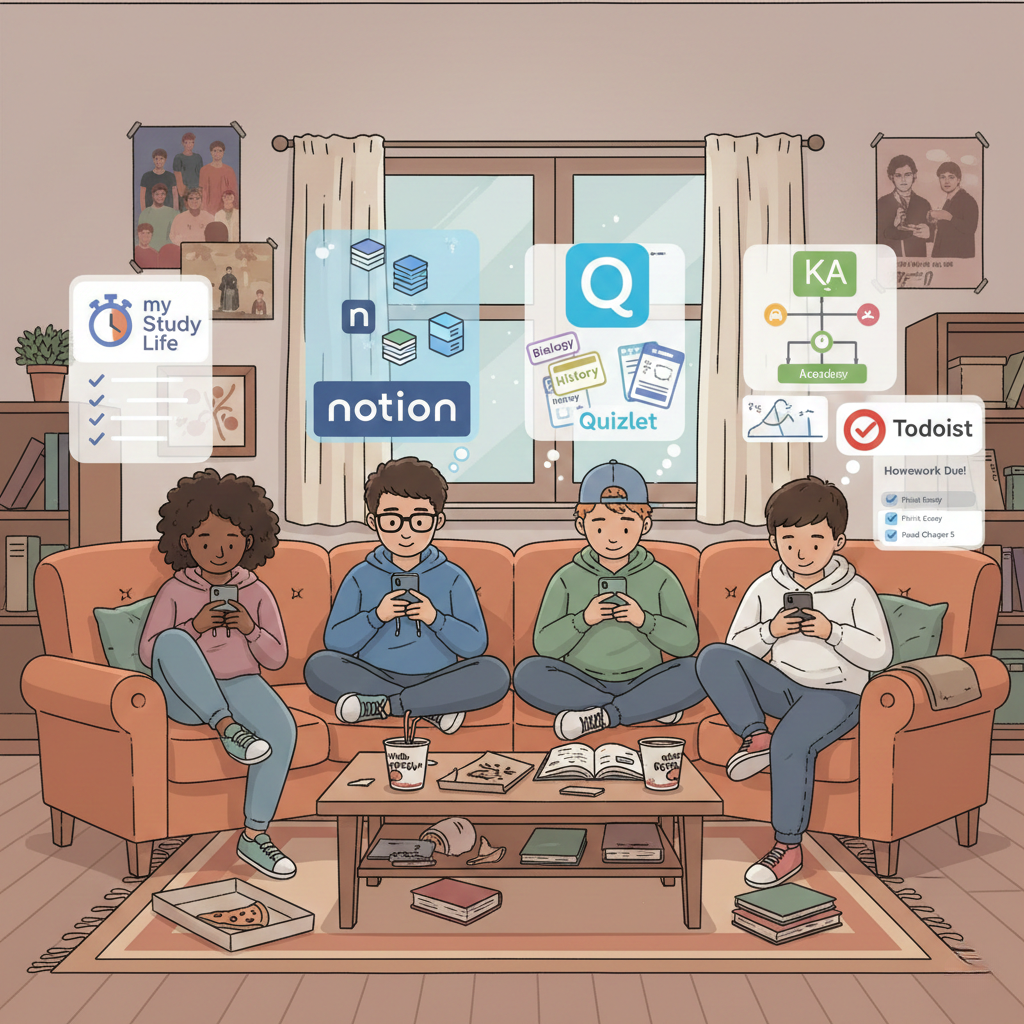
The apps matter less than the habits you build around them. Block time each week to review your calendar and task list. Create flashcards as you learn new material rather than cramming before exams. Update your LinkedIn profile after each new experience.
Start career preparation early. Freshman year isn't too soon to create a LinkedIn profile and explore Handshake. Sophomore year should include internship applications. Junior year means serious networking and job search preparation. Senior year focuses on converting those efforts into offers.
Your organization app keeps deadlines visible. Your study apps help you retain information. Your communication apps build relationships with classmates and colleagues. Your career tools prepare you for life after graduation. Together, they create a system that supports both academic and professional success.
The technology exists to make college more manageable and career preparation more strategic. Use it intentionally, and you'll graduate with both the knowledge and the connections to launch your career.
 How a U.S. Credit Score Impacts Job Placement for International Students
 Turning a U.S. Internship Into a Full-Time Post-Grad Career
 How Universities Are Creating "Un-Cheatable" Classrooms
 5 Key Job Search Secrets for International Students
 Voices Across Campus: How Students Worldwide View College Leadership